Introduction
PRAISA stands for Panchayati Raj Accounting Information System Automation. It is an official online accounting and financial management portal launched by the Government of Gujarat in 2023 to bring paperless, transparent, and centralized accounting across all Panchayati Raj Institutions (PRIs) in the state.
The PRAISA portal is used by 33 district panchayats, 248 taluka panchayats, and thousands of gram panchayats across Gujarat. It plays a crucial role in managing employee salary processing, pay bills, grants, vouchers, expenditures, receipts, and employee data under one unified digital system. The portal is also integrated with IFMS and PFMS, ensuring smooth fund flow and real-time financial reporting.
In 2026, searches for “PRAISA login”, “PRAISA Gujarat login”, and “PRAISA official login link” have increased significantly because most panchayat-related accounting work is now mandatory through PRAISA. Panchayat employees, taluka clerks, accountants, and district-level officers depend on the PRAISA portal for daily operations such as salary bills, employee registration, and grant transfers.
This detailed guide will help you understand everything about PRAISA login 2026, including the official portal link, step-by-step login process, new employee registration, forgot password recovery, pay bill generation, common problems, and official support details — all explained in simple and easy English.
Table of Contents
Official PRAISA Login Link 2026
To access the PRAISA system safely, always use the official Gujarat Government website.
Official PRAISA Login URL
👉 https://praisa.gujarat.gov.in/
Some users may still search for old or unofficial links like praisa.org, but note that:
- Old links automatically redirect to the official portal
- Always verify that the domain ends with .gujarat.gov.in
⚠️ Important Warning
Never enter your username or password on any non-government website. Always check the URL carefully to avoid phishing or fake portals.
PRAISA Login – Quick Information Table
| Details | Information |
|---|---|
| Official Portal | https://praisa.gujarat.gov.in/ |
| Launched By | Government of Gujarat |
| Used For | Panchayat Accounting, Salary, Pay Bill |
| Helpline Number | +91 079 3500 2900 |
| Official Email | praisaapplication@gmail.com |
| Support Portal | https://support.praisa.org/ |
How to Login to PRAISA Portal – Step-by-Step Guide
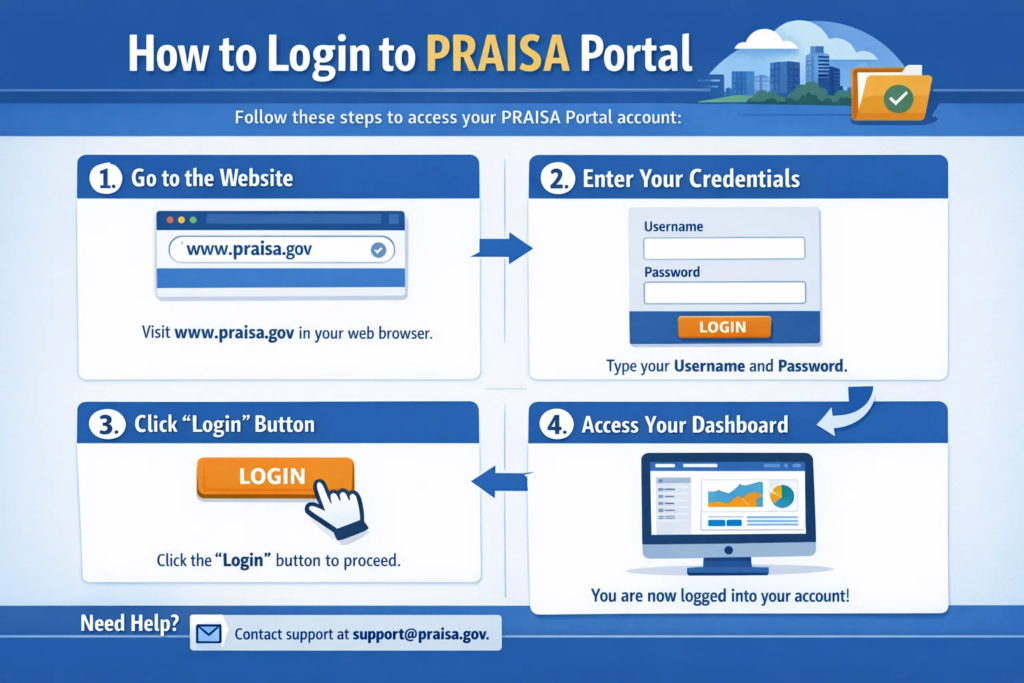
The PRAISA login process is simple and works on both desktop and mobile browsers.
Steps to Login on Desktop or Laptop
- Open your browser (Chrome, Edge, Firefox recommended)
- Visit https://praisa.gujarat.gov.in/
- You will see the PRAISA Login Page
- Enter your Username
- Enter your Password
- Fill the Captcha Code
- Click on Login
Screenshot description:
- Login box in center
- Username & Password fields
- Captcha image below
- Login button at bottom
Steps After Successful Login
- Select your Branch / Office
- Choose the Financial Year (e.g., 2025–26)
- Click Proceed
You will now reach the PRAISA dashboard, where you can access pay bills, employee data, vouchers, and reports.
Login Credentials – Important Notes
- Username & password are provided by your department
- Usually issued by District / Taluka Panchayat IT or Accounts Office
- Do not share credentials with anyone
Common PRAISA Login Errors & Solutions
| Problem | Solution |
|---|---|
| Invalid Username/Password | Check caps lock, retype carefully |
| Captcha error | Refresh captcha and retry |
| Page not loading | Use Chrome, clear cache |
| Login failed | Contact your district admin |
| Session expired | Login again |
New Employee Registration in PRAISA 2026
The PRAISA employee registration module is used to add new employees into the system for salary and service records.
Who Can Register Employees?
- Authorized accounts clerk
- Taluka Panchayat officer
- District Panchayat admin
Steps to Register a New Employee in PRAISA
- Login to PRAISA portal
- Go to Employee Management
- Click on Add New Employee
- Fill required details:
- Employee Name
- Designation
- Department / Panchayat
- Date of Joining
- Pay Scale / Salary Structure
- Employee Type (Permanent / Contract)
- Upload documents (if required):
- Appointment letter
- ID proof
- Submit for approval
Once approved, the employee becomes available for salary processing and pay bill generation.
Forgot Password or Reset Password in PRAISA
If you forget your PRAISA password, don’t worry. The system provides a recovery option.
Steps for PRAISA Forgot Password
- Go to PRAISA login page
- Click on Forgot Password
- Enter:
- Username
- Registered mobile number or email
- Verify OTP
- Set a new password
- Login again with the new password
How to Change Password After Login
- Login to PRAISA
- Go to Profile / Settings
- Click Change Password
- Enter old password
- Set new strong password
- Save changes
🔐 Tip: Use a mix of letters, numbers, and symbols.
How to Create Pay Bill / Salary Process in PRAISA
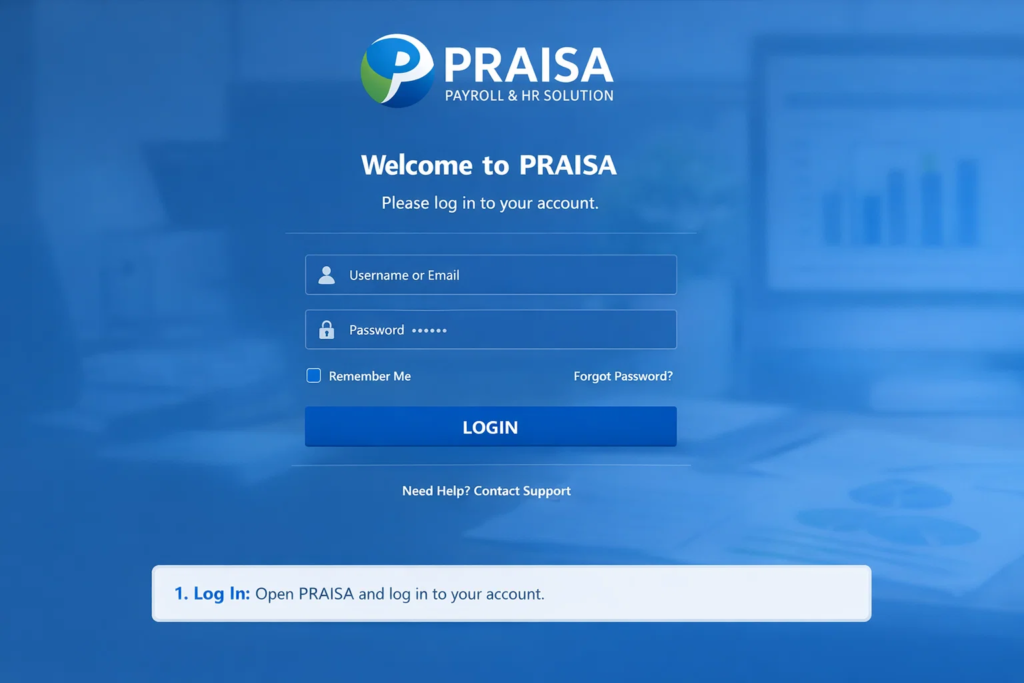
The PRAISA pay bill module is one of the most-used features by panchayat staff.
Basic Steps to Generate Salary Pay Bill
- Login to PRAISA
- Go to Pay Bill / Salary Module
- Select:
- Month
- Employee Category
- Verify employee list
- Enter allowances & deductions
- Generate Pay Bill
- Submit for approval
Once approved, the bill is processed through IFMS/PFMS for payment.
👉 The same module is also used for:
- Grant transfer bills
- Arrear bills
- Special payments
Common Problems and Solutions
Frequently Reported Issues
- PRAISA site not opening
- Captcha not loading
- Financial year not selectable
- Pay bill stuck in approval
- Employee not showing in list
Quick Fix Tips
- Use updated browser
- Avoid mobile data (use office internet)
- Clear browser cache
- Login during non-peak hours
Official PRAISA Support Details
📞 Helpline: +91 079 3500 2900
📧 Email: praisaapplication@gmail.com
🌐 Support Portal: https://support.praisa.org/
Always mention:
- Your district & taluka
- Username
- Screenshot of error (if possible)
Useful Related Links & Resources
- 👉 How to Add Employee Details in PRAISA (internal link placeholder)
- 👉 PRAISA Salary Breakup & Allowances Guide (internal link placeholder)
Popular YouTube Tutorials
- “PRAISA Login & Dashboard Overview”
- “How to Create Pay Bill in PRAISA Gujarat”
- “Employee Registration Process in PRAISA”
(Search these exact titles on YouTube for updated videos.)
Frequently Asked Questions (FAQs)
Q1. What is the official PRAISA login URL in 2026?
A: https://praisa.gujarat.gov.in/
Q2. Who can use PRAISA portal?
A: Gujarat Panchayat employees, accountants, taluka & district staff.
Q3. How do I get PRAISA login credentials?
A: From your district or taluka panchayat office.
Q4. What to do if I forgot my PRAISA password?
A: Use the “Forgot Password” option on login page.
Q5. Can I access PRAISA on mobile?
A: Yes, via mobile browser (best on Chrome).
Q6. Is PRAISA only for Gujarat?
A: Yes, PRAISA is exclusive to Gujarat Panchayats.
Q7. How to register a new employee in PRAISA?
A: Login → Employee Management → Add New Employee.
Q8. What is PRAISA pay bill used for?
A: Salary processing, allowances, and payments.
Q9. What if PRAISA site is not working?
A: Try later or contact official support.
Q10. Is PRAISA linked with PFMS?
A: Yes, for fund transfer and payments.
Conclusion
The PRAISA login 2026 system has become an essential digital platform for Gujarat Panchayats. From employee registration to salary processing and grant management, PRAISA ensures transparency, efficiency, and accuracy in financial operations. By using the official PRAISA Gujarat login portal, following proper steps, and contacting official support when needed, panchayat staff can avoid delays and errors.
Bookmark the official PRAISA login page for quick access and always stay updated with the latest financial year settings. This guide is designed to help you confidently use PRAISA in your daily work.