Introduction
In India, the term DSS Login is searched by thousands of users every month—government employees, teachers, weather professionals, disaster management officials, eco-club coordinators, researchers, and students. But “DSS” does not always mean just one portal. In most cases, users are looking for the IMD DSS Login, i.e., the Decision Support System portal of the India Meteorological Department (IMD), which is officially available at https://dss.imd.gov.in/.
The IMD DSS portal plays a crucial role in weather forecasting, disaster preparedness, agriculture advisory, aviation safety, water resource management, and climate-based decision-making. State governments, district administrations, disaster response teams, and academic institutions rely on DSS data for real-time and forecast-based decisions. That’s why accurate access to the DSS portal login is extremely important.
At the same time, many users also search “DSS login kaise kare”, “DSS forgot password”, or “DSS registration” because they face login errors, password issues, or are using the portal for the first time. Some states and departments also use the term DSS for eco-club portals, education monitoring systems, or decision dashboards, which adds to the confusion.
This guide is written to solve all DSS login-related problems in one place. Whether you are:
- trying to access the IMD DSS portal login 2026,
- registering for a new DSS account,
- resetting a forgotten password,
- or fixing common login errors,
you’ll find step-by-step instructions, official links, troubleshooting tips, and FAQs here.
All information is based on official .gov.in sources, public documentation, and real user queries from India, updated for 2026. Bookmark this page if you frequently use DSS portals.
Table of Contents
What is DSS Portal? Different Types of DSS in India
DSS stands for Decision Support System. In simple terms, a DSS portal is a digital platform that collects data, analyzes it, and helps authorities or users make informed decisions.
In India, multiple government departments use DSS platforms for different purposes. That’s why understanding which DSS portal you need is the first step before attempting a DSS login.
Major Types of DSS Portals in India
| DSS Type | Department / Authority | Purpose | Common Users |
|---|---|---|---|
| IMD DSS Portal | India Meteorological Department (IMD) | Weather forecasts, disaster alerts, climate data | Govt officials, disaster managers, researchers |
| Weather DSS | IMD / State Govts | Rainfall, cyclone, heatwave decision support | District admins, farmers |
| Eco-Club DSS | Education / Environment Depts (State-wise) | Environmental activity monitoring | Teachers, eco-club coordinators |
| Education DSS | State Education Depts | Student performance & planning dashboards | Teachers, officers |
| Disaster Management DSS | NDMA / SDMA | Emergency response planning | Disaster response teams |
🔑 Most searched DSS login in India:
👉 IMD DSS Login at dss.imd.gov.in
When users search “What is DSS portal India”, they usually mean the IMD Decision Support System unless specified otherwise.
Official DSS Login Links 2026
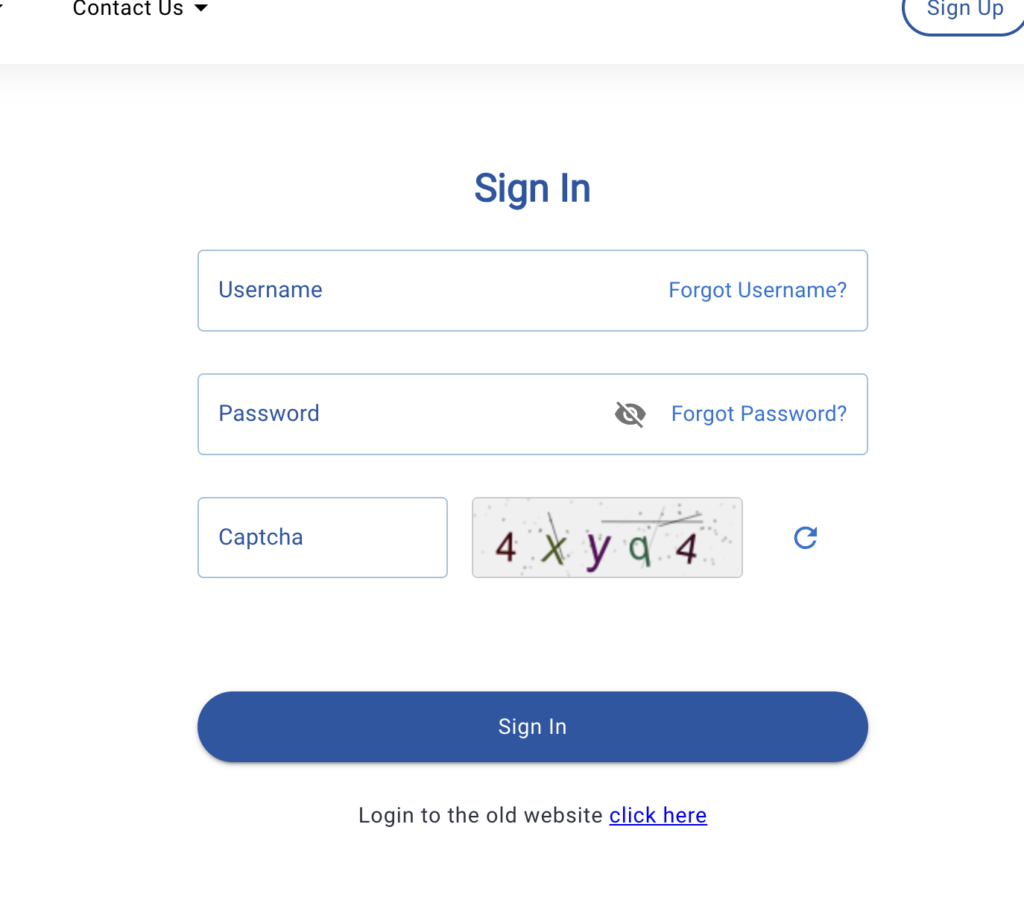
Before logging in, always verify that you are using the official government website. Fake or outdated links may cause login failures or security risks.
Official & Trusted DSS Portal Links
- IMD DSS Portal Login (Main):
👉 https://dss.imd.gov.in/ - IMD Official Website:
👉 https://mausam.imd.gov.in/ - IMD Weather Services:
👉 https://www.imd.gov.in/
Tip: The correct IMD DSS portal always ends with .gov.in
How to Register on DSS Portal (New User Registration)
If you are a first-time user, you must complete DSS registration before attempting login. Registration approval may take time, especially for government and institutional users.
DSS Registration – Step-by-Step Guide
- Visit the official portal:
👉 https://dss.imd.gov.in/ - Click on “New User Registration” or “Register”.
- Fill in the required details:
- Full Name
- Email ID (official email preferred)
- Mobile Number
- Organization / Department
- Purpose of using DSS
- Create a strong password.
- Submit the registration form.
- Verify your email or mobile number (OTP).
- Wait for approval (if required).
- Once approved, you can proceed with DSS login.
📌 Important Notes
- Some DSS accounts are manually verified by IMD.
- Students and researchers may need institutional references.
DSS Login Step-by-Step Guide (IMD DSS Portal)
This is the most important section for users searching “DSS login kaise kare”.
IMD DSS Login – Step-by-Step
- Open the official portal:
👉 https://dss.imd.gov.in/ - Click on “Login”.
- Enter your:
- Username / Email ID
- Password
- Enter captcha code (if shown).
- Click Submit / Login.
- You will be redirected to the DSS dashboard.
After Successful Login, You Can Access:
- Weather forecasts & warnings
- Decision dashboards
- District/state-level data
- Downloadable reports
Common Variations
- Some users log in via NIC SSO
- Some portals redirect to internal DSS dashboards
Forgot Password / Password Reset on DSS Portal
“DSS forgot password” is one of the highest searched queries.
How to Reset DSS Password
- Go to the DSS login page.
- Click “Forgot Password?”
- Enter your registered:
- Email ID or Username
- Verify using OTP or email link.
- Set a new password.
- Login again using the new password.
Password Rules (Recommended)
- Minimum 8 characters
- Use uppercase + lowercase
- Include numbers & symbols
If You Don’t Receive OTP
- Check spam folder
- Wait 5–10 minutes
- Try again during non-peak hours
Common DSS Login Problems & Solutions
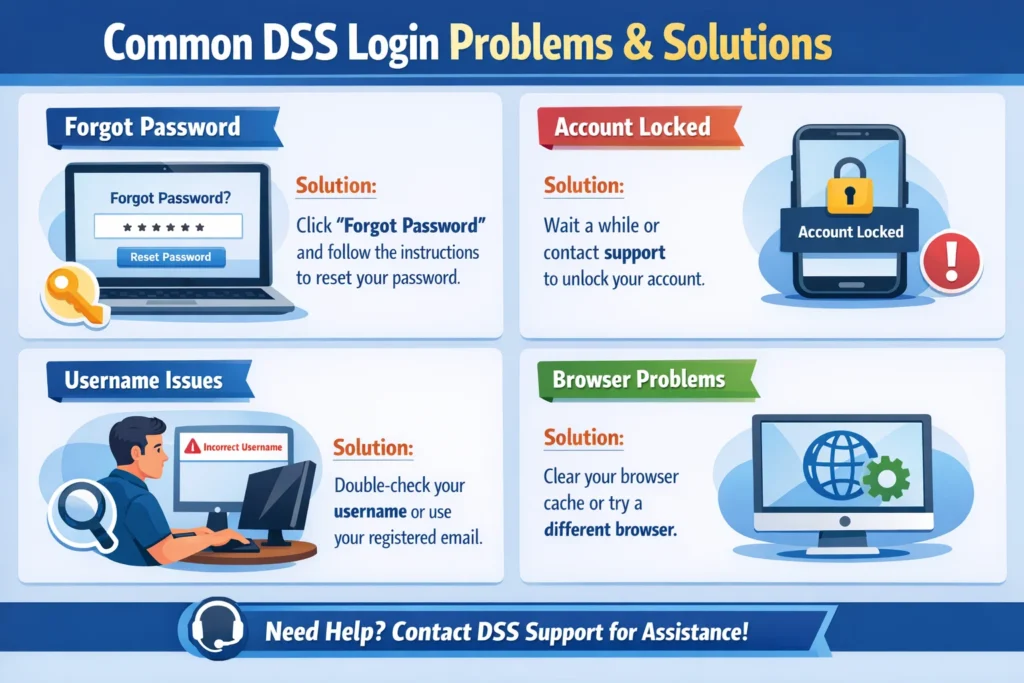
Below are 15 real-world DSS login problems with practical fixes.
1. Invalid Username or Password
Solution:
- Recheck credentials
- Use forgot password option
2. DSS Portal Not Loading
Solution:
- Clear browser cache
- Try another browser
3. Website Down or Maintenance
Solution:
- Try after some time
- Check IMD official updates
4. Captcha Not Working
Solution:
- Refresh captcha
- Disable browser extensions
5. OTP Not Received
Solution:
- Check network
- Retry after 10 minutes
6. User Account Disabled
Solution:
- Contact IMD admin
- Check email for notices
7. Session Timeout Error
Solution:
- Login again
- Avoid long inactivity
8. Mobile Login Issues
Solution:
- Use desktop mode
- Switch to laptop/PC
9. Browser Compatibility Issues
Solution:
- Use Chrome or Firefox (updated)
10. Incorrect URL
Solution:
- Always use dss.imd.gov.in
11. Server Error (500)
Solution:
- Temporary issue; retry later
12. SSL / Security Warning
Solution:
- Ensure HTTPS
- Avoid public Wi-Fi
13. Old Password Not Accepted
Solution:
- Reset password again
14. Dashboard Not Loading
Solution:
- Disable ad blockers
15. Registration Approved But Login Fails
Solution:
- Wait 24 hours
- Contact support
DSS Mobile App Login vs Website
As of 2026, the IMD DSS portal does not have a full-featured public mobile app for all users.
Website Login (Recommended)
- Full features
- Stable dashboards
- Best for officials & researchers
Mobile Access
- Use mobile browser
- Enable desktop view
⚠️ Avoid unofficial DSS apps from Play Store.
Security Tips for DSS Account
- Use strong passwords
- Don’t share credentials
- Logout after use
- Avoid cyber cafés
- Change password regularly
- Check URL before login
Frequently Asked Questions (FAQ)
1. What is the official IMD DSS login URL?
2. How can I reset my DSS password?
Use the Forgot Password option on the login page.
3. Why is my DSS login not working?
Common reasons include wrong password, server issues, or browser problems.
4. Is DSS portal only for government employees?
Mainly yes, but students and researchers can also get access.
5. Is there a DSS mobile app?
No official full DSS app as of 2026.
6. How long does DSS registration approval take?
Usually 1–3 working days.
7. What is IMD DSS used for?
Weather forecasting and decision support.
8. Can farmers use DSS portal?
Indirectly via advisories.
9. Is DSS login free?
Yes, for authorized users.
10. Can I change my registered email?
Contact portal admin.
11. Does DSS support multiple languages?
Mostly English.
12. Is DSS data real-time?
Yes, for many modules.
13. What browser is best for DSS login?
Chrome or Firefox.
14. Is DSS portal secure?
Yes, it uses government-grade security.
15. Who manages DSS portal?
India Meteorological Department (IMD).
Conclusion
The DSS login process in India—especially for the IMD DSS portal—is straightforward once you understand the correct steps, official links, and common issues. Most login problems happen due to incorrect URLs, password errors, browser issues, or temporary server downtime.
If you are a government employee, teacher, weather professional, eco-club coordinator, or student, the IMD DSS portal login 2026 gives you access to critical decision-support data that impacts planning, safety, and research.
Always use the official website https://dss.imd.gov.in/, keep your credentials secure, and follow the troubleshooting steps shared above if you face any issues. Bookmark this guide for future reference and share it with colleagues who frequently search for DSS login kaise kare or DSS forgot password help.
Read More Blogs – PayNearby Retailer Login: Step-by-Step Guide for App and Web Portal