Logo.com is a great design tool that comes with an AI logo generator and a large template library. However, some people are looking to switch to alternatives, since the Logo.com free plan has numerous limitations.
With the Logo.com free plan, you can save and edit only one logo design. When it comes to the download step, you can have only 4 high-res logo files downloaded. Plus, the media storage is quite limited (only 100MB), and so is the selection of templates.
If these limitations are a problem for you, below are some great options to consider.
#1. Design.com
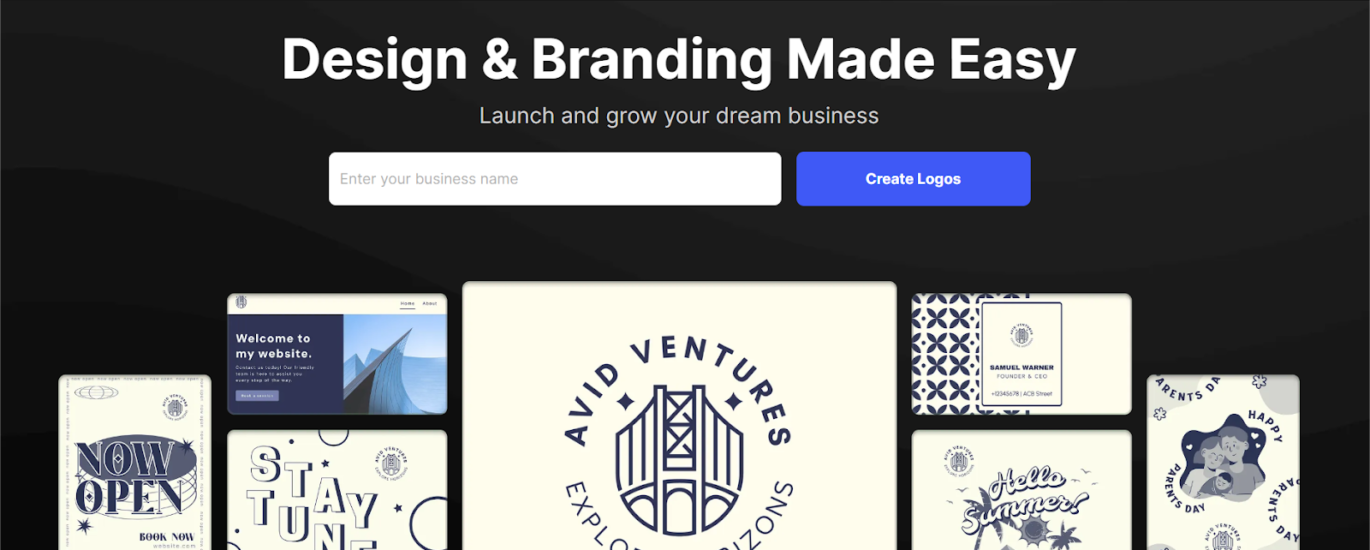
Design.com is a top Logo.com alternative that has a 4.7 on Trustpilot because it mixes smart tech with actual artwork from human designers.
A Library That’s Actually Huge
Design.com doesn’t skimp on variety. They have a massive vault of assets to make sure your brand doesn’t look like anyone else’s:
- 360,000+ Templates: Everything from slick 3D graphics to simple, clean monograms.
- The Details: You get 62,000+ shapes and 1,200+ fonts (including 500 exclusives you won’t find on other sites).
- Extra AI Help: They’ve got tools to help you whip up websites and presentations, so your whole vibe stays consistent.
Your Entire Brand in One Spot
This isn’t just a logo maker; it’s a full branding machine with over 50 tools to get you off the ground:
- Once you pick a logo, the site automatically applies your colors and fonts to business cards and letterheads for you.
- You can build a website without dealing with a single line of code, grab a domain, and even generate QR codes.
- Not sure which one to pick? You can create a voting poll to let your friends or team help you decide.
Merch Shipped to Your Door
If you want to see your new logo on a t-shirt or a coffee mug, you can order custom apparel and business cards directly through them. Plus, they offer free delivery on printed goods.
The “Actually Free” Part
- High-Quality Downloads: You can grab your logo for free in SVG, PDF, and PNG (including transparent backgrounds).
- Plus, all the Other Essential Files: And you’ll also be getting the standard high-quality file package along with the logo.
- Easy-to-Customize: You can fully edit even the free logos.
- Free Hosting: You can even launch your website and digital business card at zero cost.
- No Limit to the Number of Projects: Work on as many projects as you wish for free.
- Note: While the logos are free, certain things like posters or flyers might require a premium plan.
Support and Real Ownership
- You Own It: Everything is commercially safe. If you want to make sure your logo is 100% unique, you can get an extended license to pull that template out of their library forever.
- Global Help: If you get stuck, their 24/7 team speaks seven languages and handles nine different currencies.
Who Is It For?
Design.com is for the “do-it-all” crowd who need high-quality branding without the high-end price tag.
- If you’re launching a side hustle or a new business and need a “real” brand identity (not just a logo) in one afternoon.
- If you want a good logo and other designs for your small business, but can’t spend too much money on it, Design.com will do the job.
- If you have zero design skills but know what looks good, Design.com is for you.
#2. BrandCrowd
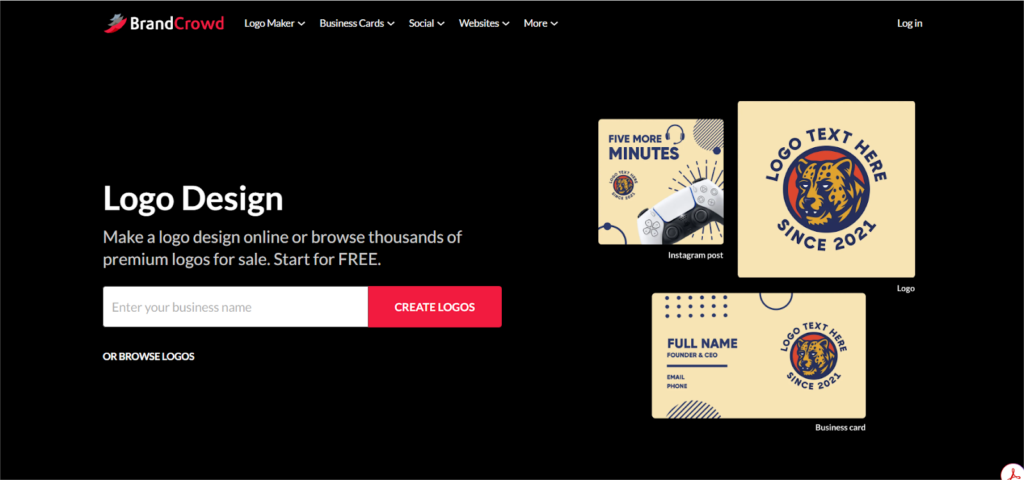
If you’re looking for a Logo.com alternative that feels a bit more “hand-drawn” and a bit less “robot-made,” BrandCrowd is probably your best bet.
The big difference here is that their library of 300,000+ logos was actually started by professional designers.
Why It’s a Solid Choice
- Actual Human Designs: Since pros built the templates, they don’t have that weird, generic look that some AI generators spit out. You get access to over 750 fonts and 62,000 shapes to play with.
- Make it Exclusive: One cool feature is the “Buyout” option. If you find a logo you absolutely love and don’t want anyone else to use it, you can buy an extended license. They’ll take it off the site forever, so it’s 100% yours.
- More Than Just a Logo: Once you’ve got your design, it’s super easy to slap it onto business cards, flyers, or social media posts. The site automatically matches your colors across everything, so you don’t have to guess the hex codes.
- Every File You Need: When you download, you get the “pro” files, stuff like SVGs and PDFs that won’t get blurry if you print them on a giant banner, plus the standard PNGs for your website.
Free Stuff
BrandCrowd is actually pretty generous with their freebies. They have a specific free logo library where you can get a professional look without spending a cent.
- Full Control: Even the free logos are 100% editable. You can swap the layout, fonts, and colors until it fits your vibe.
- Pro Files for Free: When you download a free logo, you aren’t just getting a tiny thumbnail. You get the standard high-quality file package, including essential vectors and high-resolution formats.
- Free Bonus Tools: The free plan also throws in a website builder, a digital business card maker, and a “link-in-bio” tool for your social profiles.
- Unlimited Projects: You can create and save as many different projects as you want for free. If you want to download assets from their extended design tools, that’s when you’ll need a premium subscription.
Who Is It for?
- The “I Hate AI” Crowd
- Side-Hustlers
- Social Media Managers
#3. Adobe Express
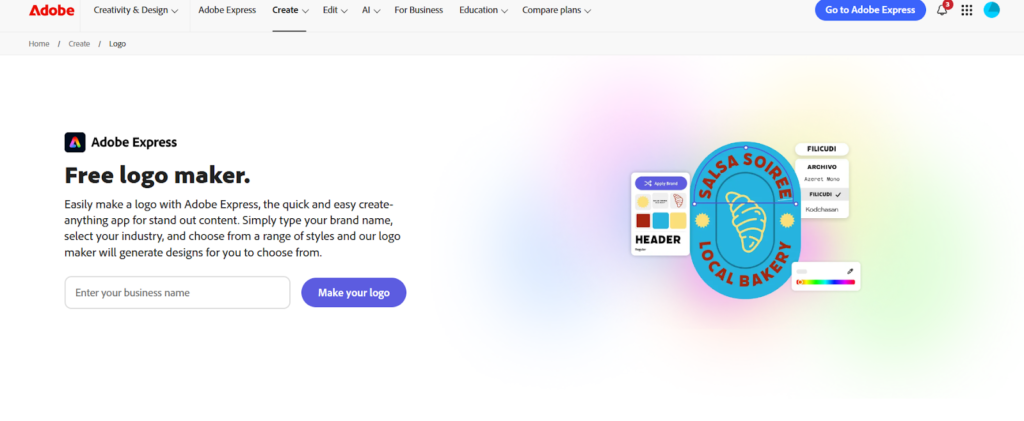
If you’re looking for a Logo.com competitor that has the backing of the biggest name in design, Adobe Express is a fantastic choice.
It’s an all-in-one workspace where you can knock out a logo, a TikTok video, and a flyer in the same afternoon.
The Adobe Magic (Without the Complexity)
- You just tell it your industry and style, and it spits out a bunch of custom designs. You can add animations to your text or icons and download them as high-quality MP4s.
- Firefly AI Integration helps you generate unique graphics, creative text effects, and custom color palettes just by typing in what you’re looking for.
- You get access to a massive library of high-quality fonts and icons, plus millions of Adobe Stock images.
- You can grab your logo as a PNG or PDF with a transparent background, ready for any website or print job.
Who Is It For?
It’s great for:
- Content Creators
- “Adobe look” lovers
- Non-designers
- Side-hustlers
Summing Up
Logo.com is truly great. It features color tools, full customization, millions of icons, a great template library, and much more. But like any other software, it has its limitations and weaknesses, and it’s completely normal to consider alternatives and see which of these work best for you. Maybe after trying, you decide to go back to Logo.com, or you like any of the alternatives like Design.com or BrandCrowd, and never want to switch back. Try out different options and see what’s best for your needs.